Synology
About Synology at Server Hub
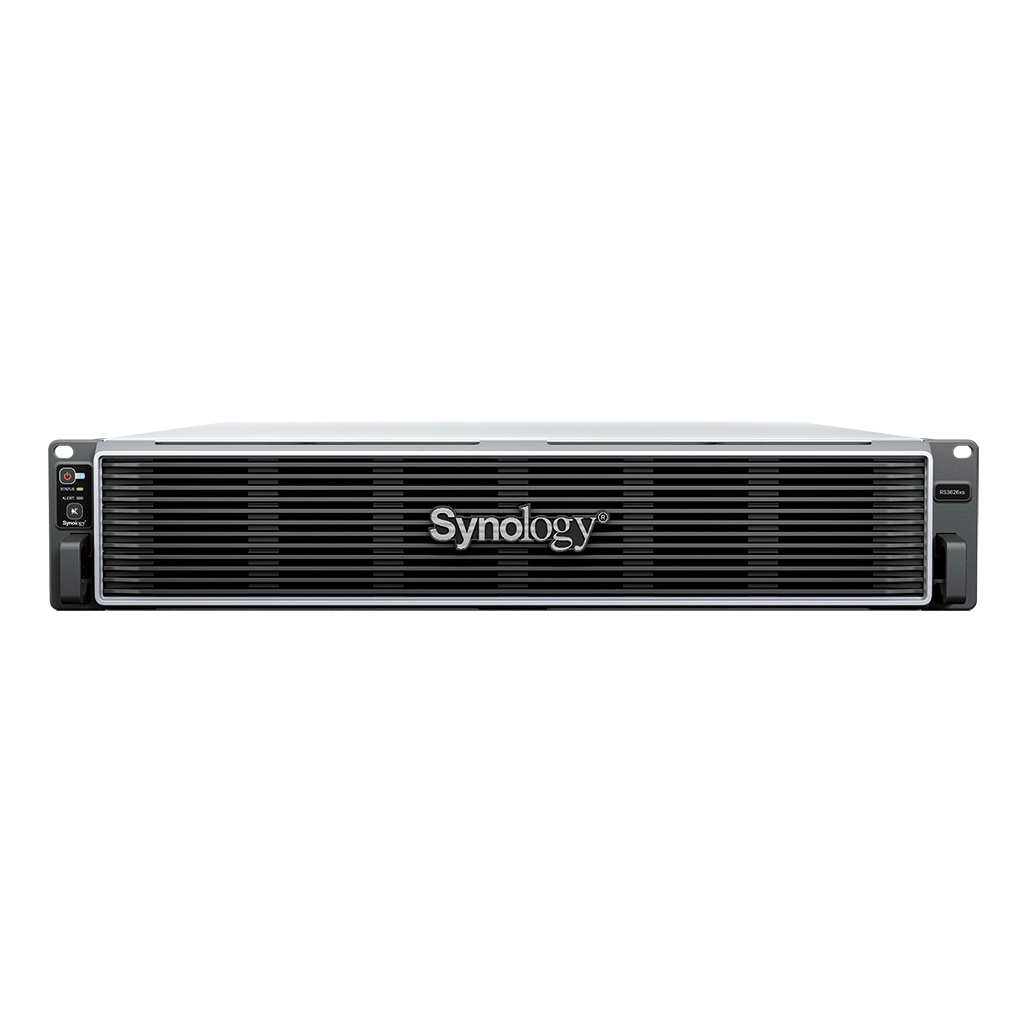
We carry Synology deep rather than as a token line: DiskStation desktop units for small offices, RackStation rackmount NAS for comms rooms, SAN storage for the top of the range, plus the drives, memory and expansion units that turn a bare chassis into working storage.
Synology's advantage in a South African business is DSM, the operating system. Snapshot Replication, Hyper Backup and Active Backup for Business cover the three things most small IT teams are quietly failing at — versioned backups, off-site copies and bare-metal restore — without a separate licence for each. For an office that has been backing up to an external drive somebody remembers to plug in, a four-bay DiskStation is usually the single largest reduction in risk available for the money.
Choosing between the ranges is mostly about where the unit lives and how it grows. A DiskStation is a desktop box for an office cupboard: quiet, cheap to run, two to eight bays. A RackStation is a rack-mounted unit for a comms room with proper cooling and redundant power. If you are already running a rack, buy the rack unit; if you are not, do not build one for a NAS.
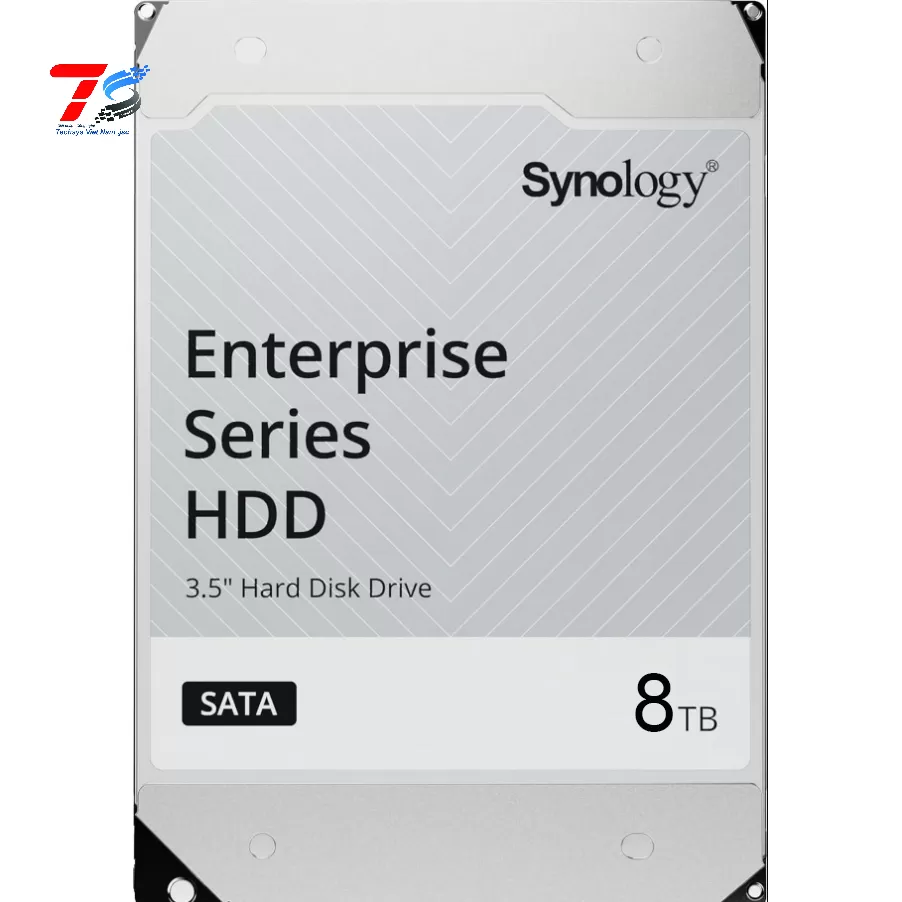
Drives matter more than most buyers expect. NAS-rated drives are specified for continuous operation and vibration in a multi-bay chassis, and desktop drives in a NAS is the most common cause of an array that degrades in its second year. We list drives alongside the units for that reason.
Server Hub is an independent reseller — Synology, DiskStation and RackStation are trademarks of Synology Inc. Prices are in rand with VAT included, and each product page states its lead time.
Where Synology fits
Synology — frequently asked questions
DiskStation or RackStation — which should I buy?
- DiskStation is a desktop unit for an office: quiet, low power, two to eight bays. RackStation is rackmount for a comms room with cooling and redundant power. If you already have a rack, buy the rack unit; if you do not, a DiskStation is almost always the right answer.
How many bays do I actually need?
- Plan for the usable capacity you need in three years, not today, and remember redundancy costs you drives. A four-bay unit in SHR with one-drive redundancy gives you roughly three drives of usable space. Running out of bays is more expensive than buying one size up at the start.
Can I use ordinary desktop hard drives?
- You can, but you should not. NAS-rated drives are specified for continuous operation and for vibration in a multi-bay chassis. Desktop drives in a NAS is the single most common cause of an array degrading in its second year.
Does a Synology NAS replace a backup?
- Not on its own. A NAS with redundancy survives a drive failure, not a fire, a theft or ransomware. Use Hyper Backup or Snapshot Replication to push a second copy off-site — the licences are included in DSM.
Is a NAS enough, or do I need a server?
- For file sharing, backup targets and light virtualisation, a NAS is usually enough and far simpler to run. If you need to host line-of-business applications, domain services or serious virtualisation, you want a server. We sell both and will say which fits.
What warranty applies?
- New Synology hardware carries 12 months, mirroring the manufacturer locally and longer where Synology’s own cover is longer. Claims are handled here rather than couriered abroad.